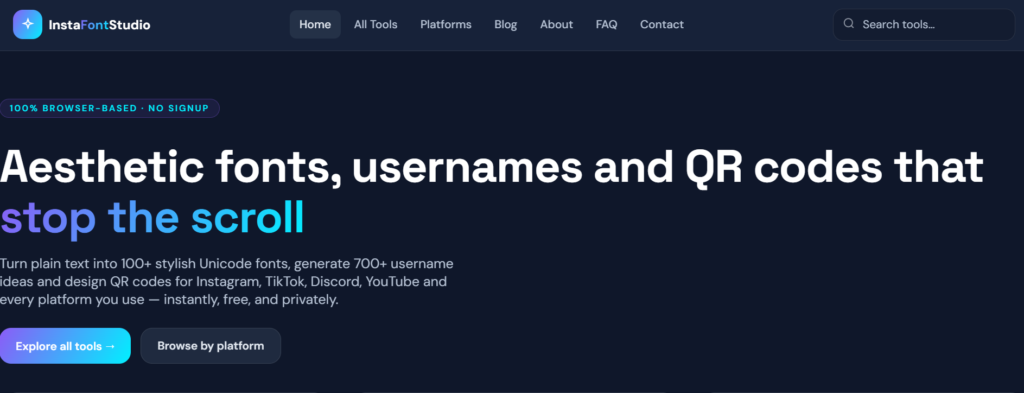
If you’ve ever scrolled past a profile with a beautifully styled bio, a unique username, or a sleek QR code on a business card, chances are a tool like InstaFontStudio was involved. It’s a 100% browser-based, completely free platform that turns plain text into stylish fonts, generates unique username ideas, and designs custom QR codes — all without requiring a signup.
In this guide, we’ll walk through every tool and platform page InstaFontStudio offers, so you know exactly what the website can do for you and how each feature fits into your workflow.
What Is InstaFontStudio?
InstaFontStudio is an all-in-one text and design toolkit built around three core offerings:
- 100+ font styles — to convert plain text into stylish Unicode typography
- 700+ username and name ideas — to help you find a unique identity on any platform
- 70+ QR code designs — to create professional, branded QR codes with custom colors and logos
What sets it apart is that everything runs entirely client-side. Nothing you type ever leaves your device — there’s no account creation, no data collection, and no waiting. Just instant results.

Tools Section :The Core of the Website
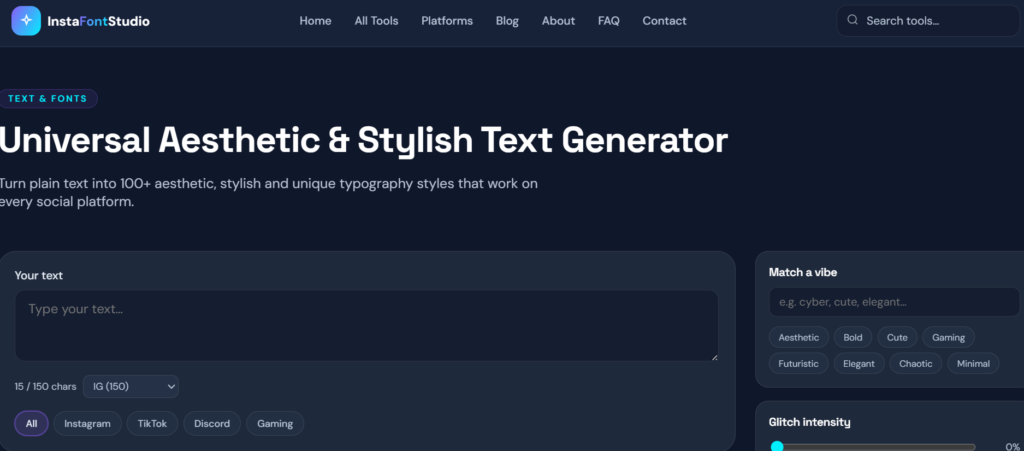
1. Aesthetic Text Generator
This is InstaFontStudio’s flagship tool. Type in plain text and it instantly converts it into 100+ aesthetic, stylish typography styles that work across every social platform — perfect for bios, captions, and posts.
🔗 instafontstudio.com/tools/aesthetic-text-generator
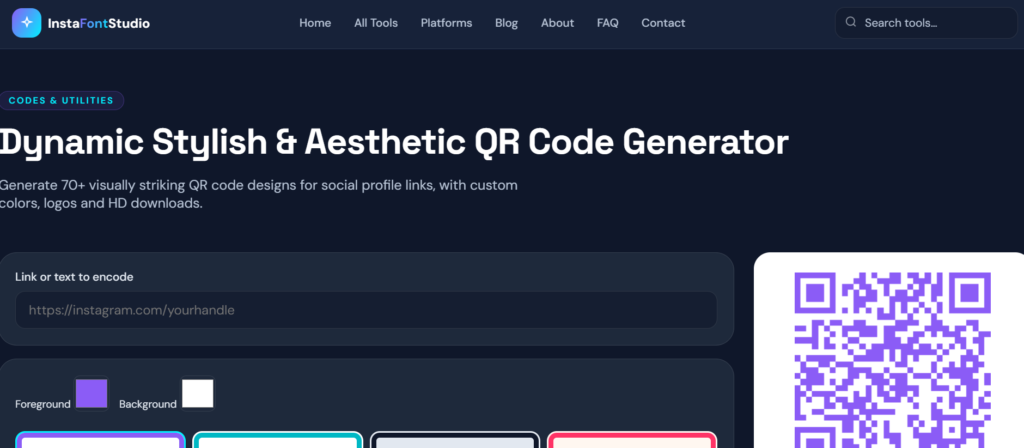
2. QR Code Generator
Generate 70+ visually striking QR code designs — add your social profile link, customize colors, drop in your logo, and download in HD. Ideal for business cards, menus, and event flyers.
🔗 instafontstudio.com/tools/qr-code-generator
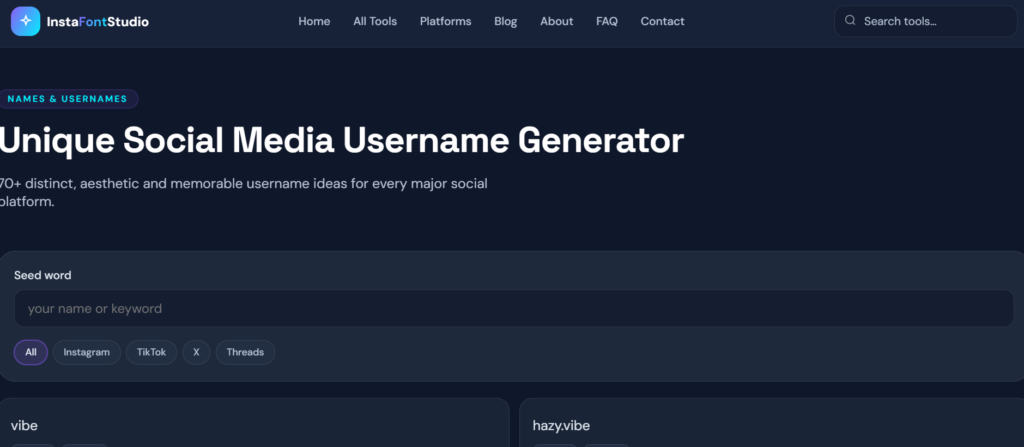
3. Username Generator
Get 700+ distinct, memorable username ideas for any social platform — whether you’re creating a new account or refreshing an old handle.
🔗 instafontstudio.com/tools/username-generator
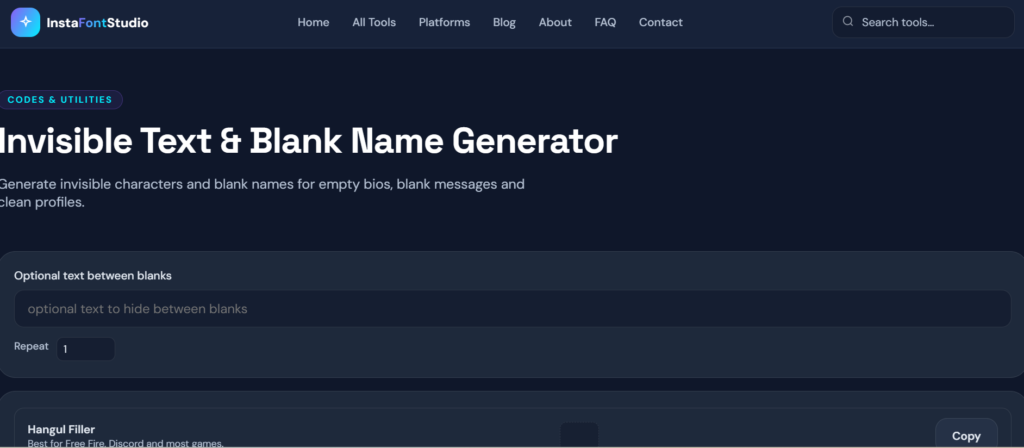
4. Invisible Text Generator
Generates invisible characters and blank names — useful for empty bios, blank messages, or a clean, minimalist profile look.
🔗 instafontstudio.com/tools/invisible-text-generator
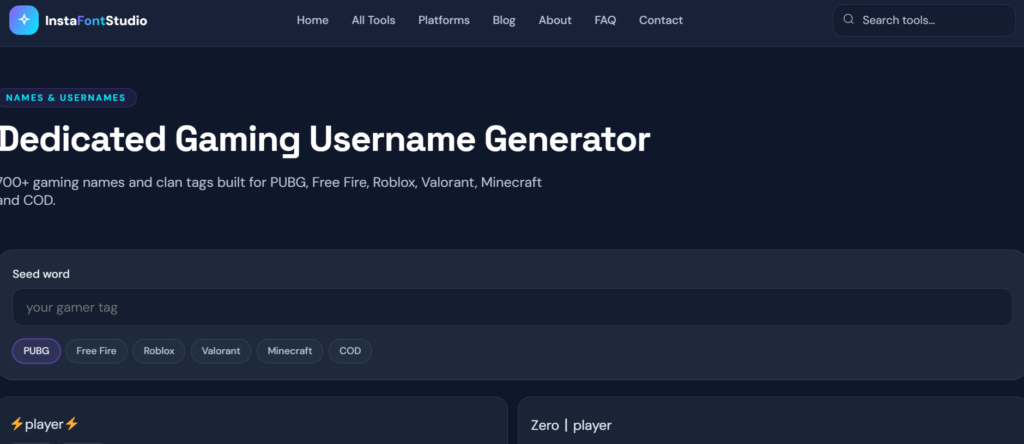
5. Gaming Name Generator
A dedicated tool for gamers — 700+ gaming names and clan tags tuned specifically for PUBG, Free Fire, Roblox, Valorant, Minecraft, and Call of Duty.
🔗 instafontstudio.com/tools/gaming-username-generator
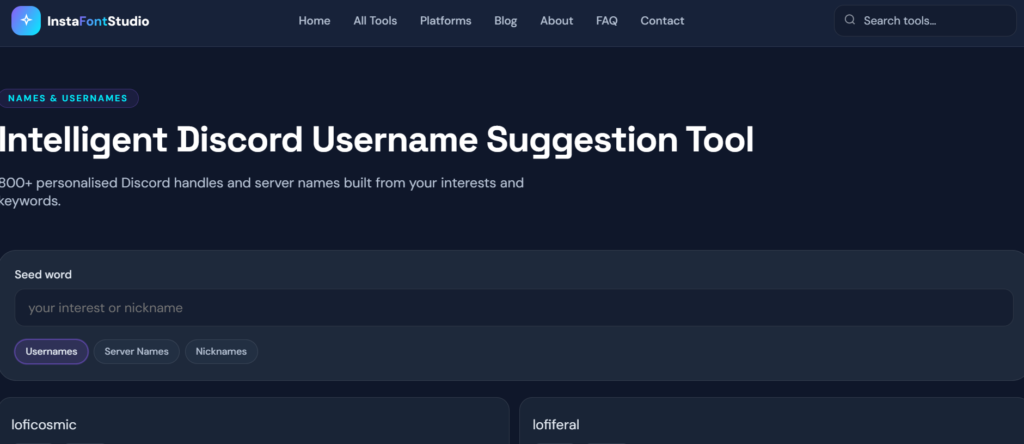
6. Discord Username Tool
Generates 800+ personalized Discord handles and server names based on your interests and keywords.
🔗 instafontstudio.com/tools/discord-username-generator
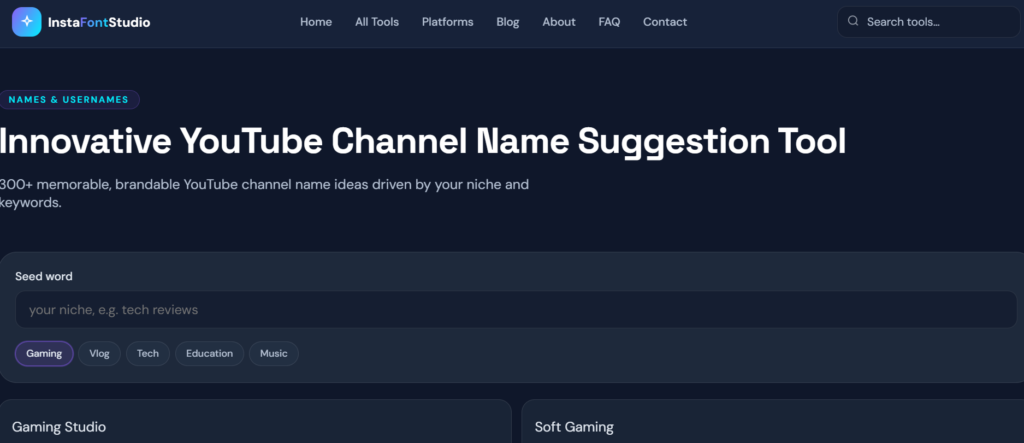
7. YouTube Name Generator
Delivers 300+ memorable, brandable YouTube channel name ideas based on your niche and keywords — great for new creators building a channel from scratch.
🔗 instafontstudio.com/tools/youtube-channel-name-generator
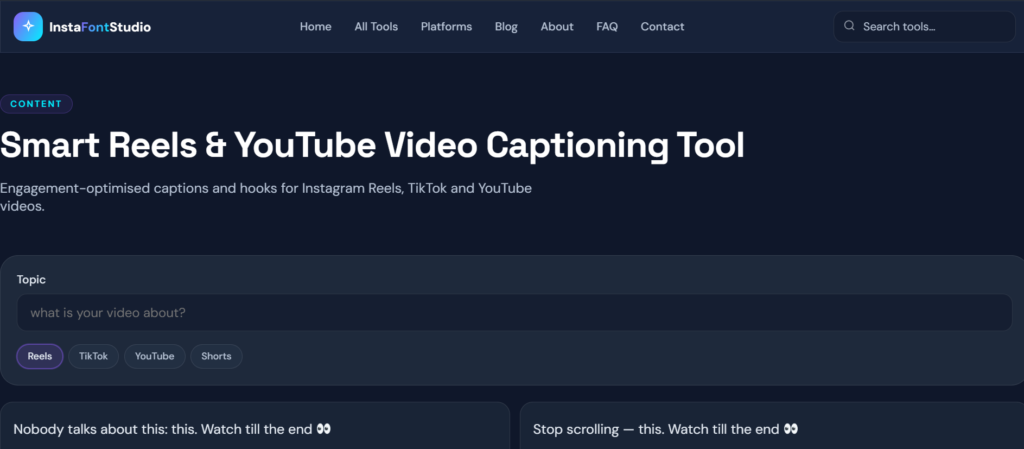
8. Caption Generator
Creates engagement-optimized captions and hooks for Instagram Reels, TikTok, and YouTube videos.
🔗 instafontstudio.com/tools/caption-generator
9. Playlist Name Generator
Produces 100+ aesthetic Spotify playlist names complete with fonts and symbols, ready to copy and paste.
🔗 instafontstudio.com/tools/spotify-playlist-name-generator
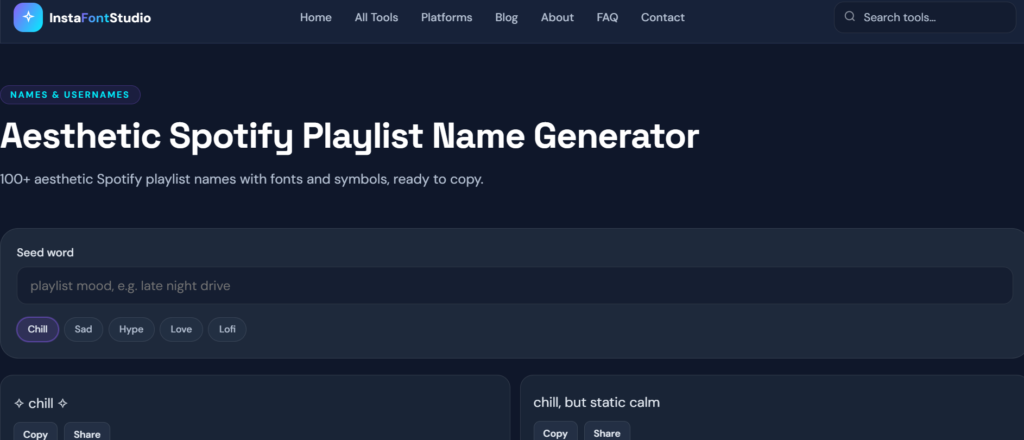
See the full list here: InstaFontStudio — All Tools
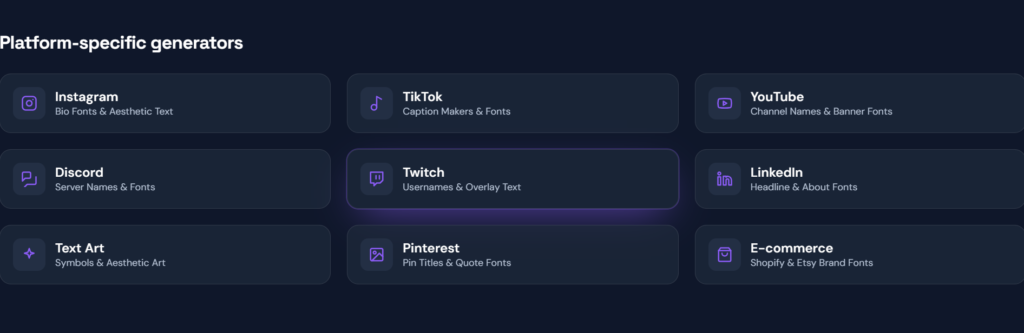
Platform-Specific Pages :Built for Every Social Network
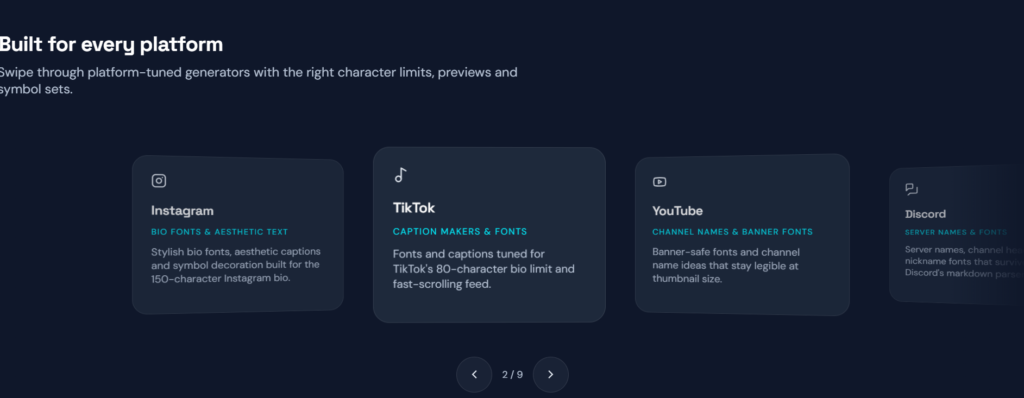
InstaFontStudio doesn’t stop at generic tools — it offers dedicated pages for each major platform, tailored to that platform’s character limits and formatting quirks.
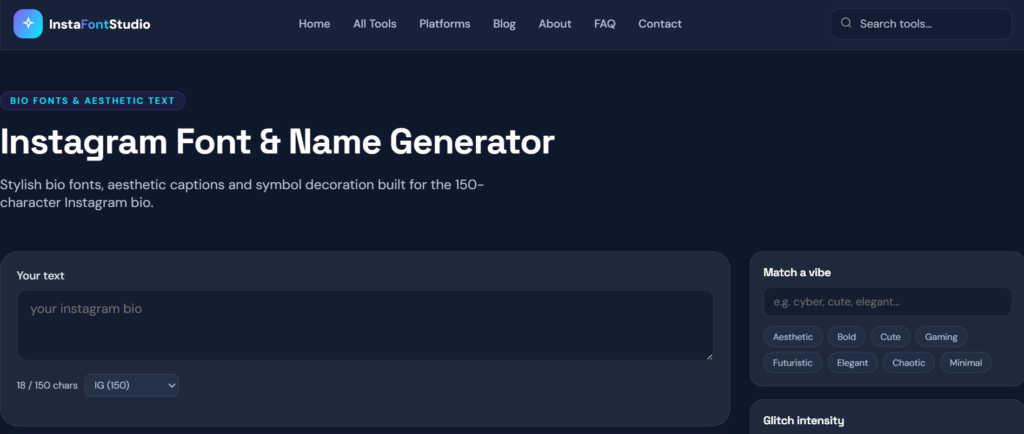
Stylish bio fonts and aesthetic captions designed around Instagram’s 150-character bio limit. 🔗 instafontstudio.com/platforms/instagram
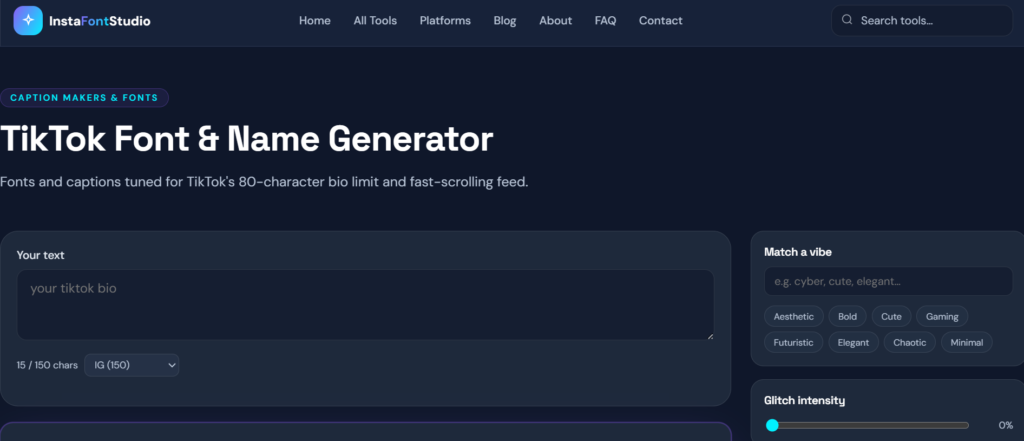
TikTok
Fonts and captions tuned for TikTok’s 80-character bio limit and fast-scrolling feed. 🔗 instafontstudio.com/platforms/tiktok
YouTube
Banner-safe fonts and channel names that stay legible even at thumbnail size. 🔗 instafontstudio.com/platforms/youtube
Discord
Server names, channel headers, and nickname fonts that survive Discord’s markdown parser. 🔗 instafontstudio.com/platforms/discord
Twitch
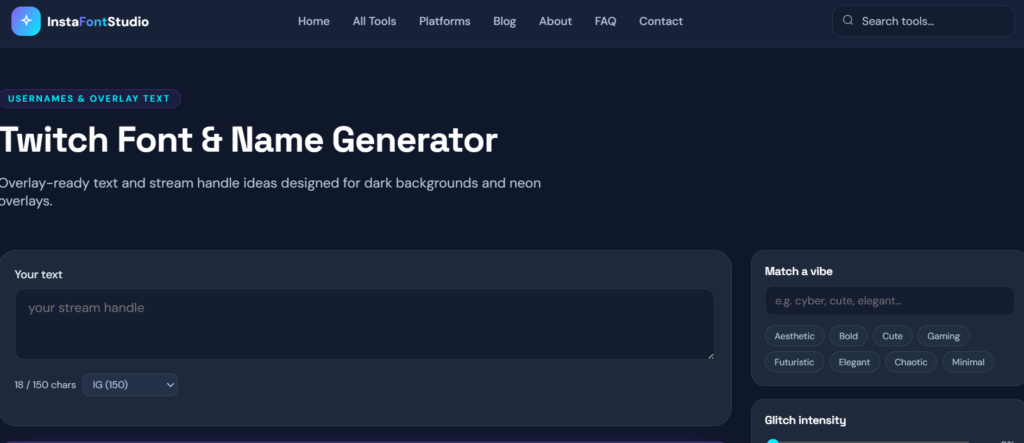
Overlay-ready text and stream handle ideas designed for dark backgrounds and neon overlays. 🔗 instafontstudio.com/platforms/twitch
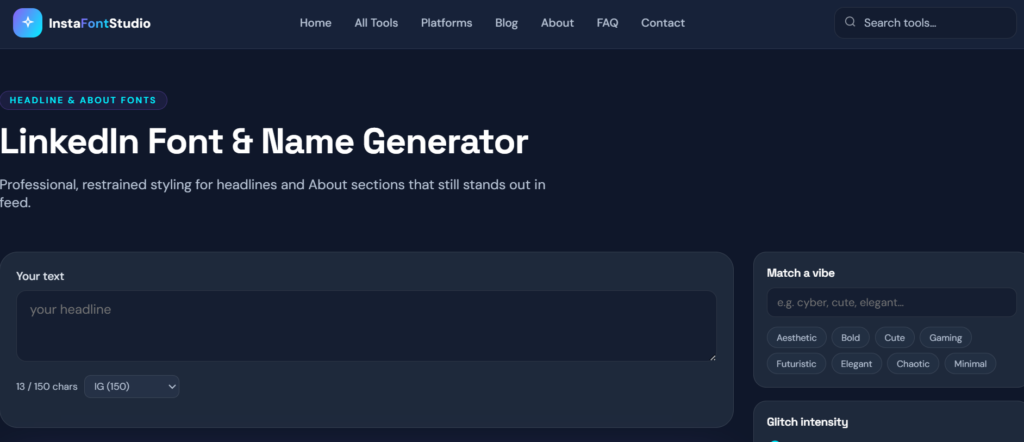
Professional, restrained styling for headlines and About sections that still stand out in-feed. 🔗 instafontstudio.com/platforms/linkedin
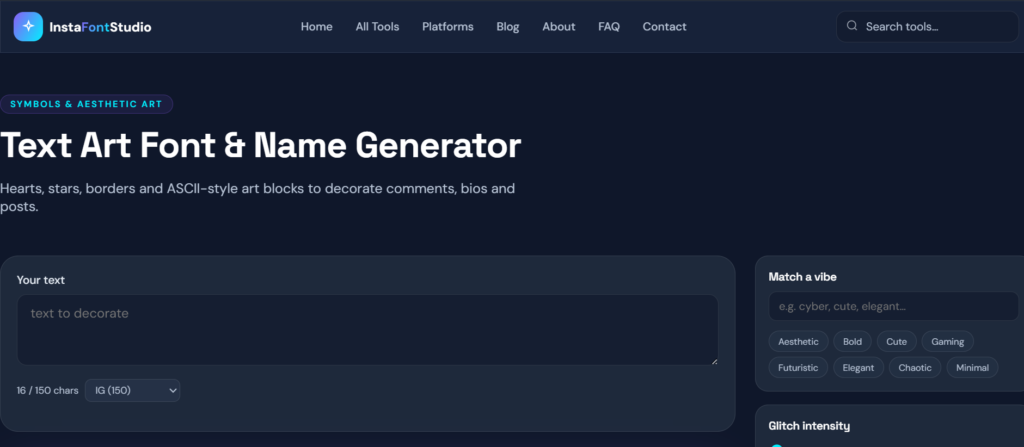
Text Art Symbols
Hearts, stars, borders, and ASCII-style art blocks to decorate comments, bios, and posts. 🔗 instafontstudio.com/platforms/text-art
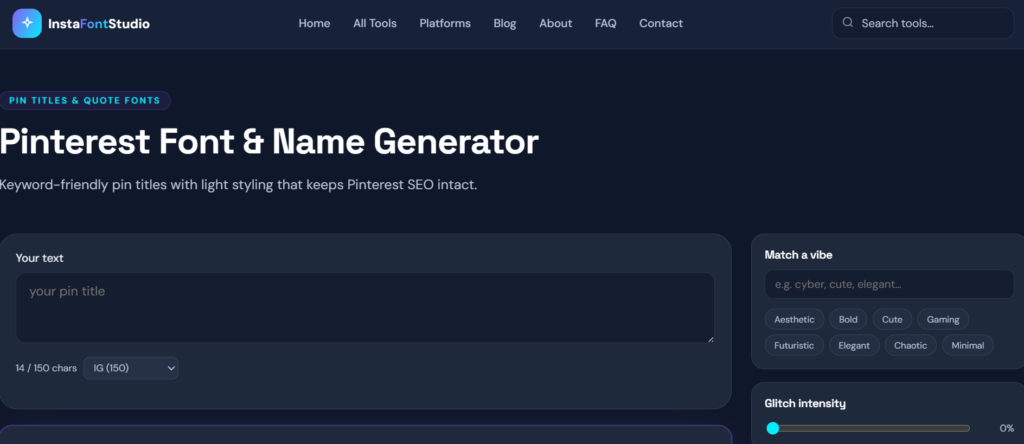
Keyword-friendly pin titles with light styling that keeps Pinterest SEO intact. 🔗 instafontstudio.com/platforms/pinterest
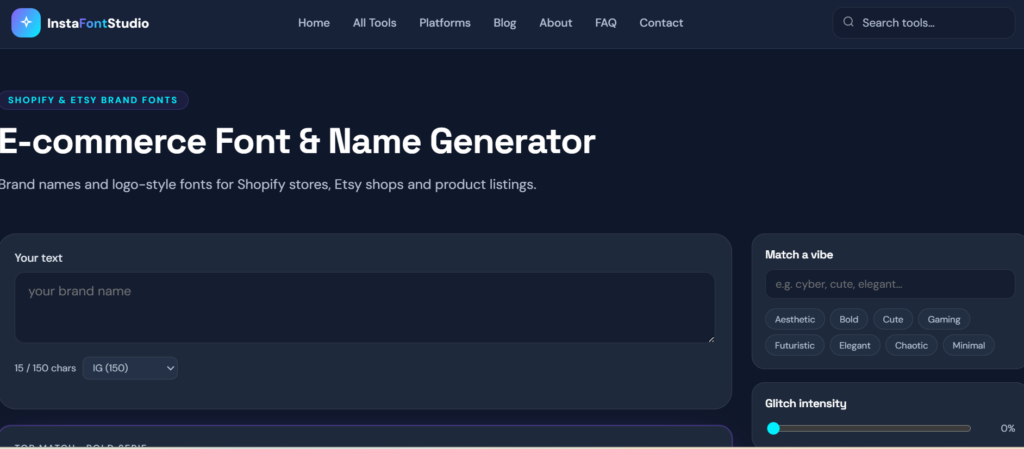
E-commerce (Shopify & Etsy)
Brand names and logo-style fonts designed for Shopify stores, Etsy shops, and product listings. 🔗 instafontstudio.com/platforms/ecommerce
See the full list here: InstaFontStudio — All Platforms
Core Features That Set the Website Apart
Three principles define the InstaFontStudio experience:
- Instant, no signup — Everything renders as you type, with no accounts and no waiting.
- Private by design — Your text never leaves your device; all generation happens client-side.
- Made for mobile — A native share sheet, large tap targets, and touch-friendly sliders make it mobile-first.
Live Font Studio : Real-Time Preview
Right on the homepage, an interactive “Font Studio” lets you type your text, match a vibe, adjust glitch intensity, and see a live preview of how it will look on Instagram and TikTok before you copy it.
Blog Section : Extra Guides and Tips
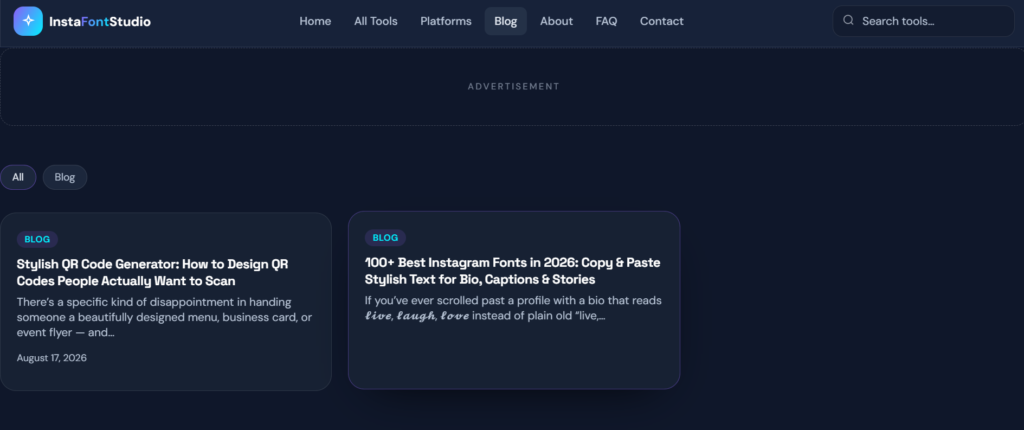
InstaFontStudio also runs its own blog, featuring in-depth articles such as:
- Stylish QR Code Generator: How to Design QR Codes People Actually Want to Scan
- 100+ Best Instagram Fonts in 2026: Copy & Paste Stylish Text for Bio, Captions & Stories
Conclusion:Should You Be Using InstaFontStudio?
Whether you’re a content creator, a gamer, a small business owner, or simply someone who wants a more polished social media presence, InstaFontStudio brings together three essential tools in one place: stylish fonts, unique names, and professional QR codes — free, fast, and built with privacy in mind.
Explore the full toolkit here: instafontstudio.com